
GTA 6 Crashing on PS5 and Xbox: What We Know
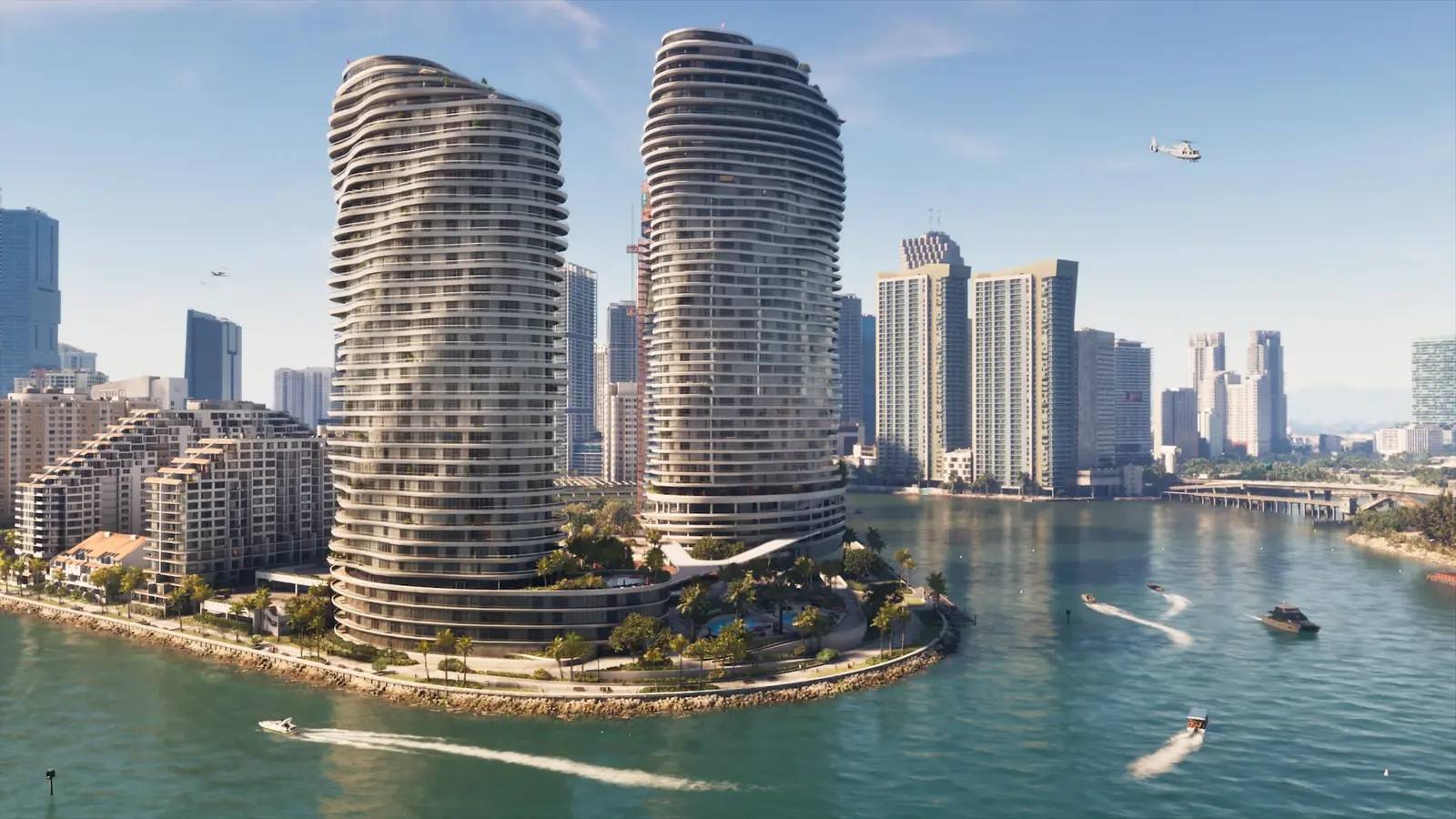
Since launch, some GTA 6 players on PS5 and Xbox Series X have reported crashes that stop them from playing, at times from the prologue; on PS5 they come with error CE-108255-1, and as of November 21 Rockstar has neither commented nor announced a fix.
By Luis Moreno · Published November 21, 2026 at 10:18The essentials
- On PS5, the crash shows error CE-108255-1, which Sony describes as a generic game or application error.
- Sony’s only advice is to update the game, then to turn to PlayStation Repairs; players say it does not always work.
- Rockstar has not commented: its troubleshooting page sends players to PlayStation and Xbox support.
Since GTA 6 launched on November 19, some players on PS5 and Xbox Series X have run into crashes that stop them from playing, in some cases within the first minutes, Dexerto reported on November 20. On PS5, the crash comes with error code CE-108255-1: GameSpot, Gizmodo and Polygon covered it the same day, and none of them has a fix to offer.
Status as of November 21, 2026
| Point | Where it stands |
|---|---|
| Rockstar fix | None announced for these crashes |
| Rockstar statement | None; its troubleshooting page points to PlayStation and Xbox support |
| Sony’s advice | Update the game, then PlayStation Repairs |
| Platforms | PS5, including Slim and Pro models, and Xbox Series X |
| Cause | Unknown: hardware and software theories, none confirmed |
We update this box when Rockstar or Sony says more.
Where the game crashes
The reports do not point to a single moment. One PS5 player, quoted by Dexerto and Polygon from a Reddit post, says the game ran without a hitch until Pipework, one of the early story missions, and now crashes “every time I use the plunger or stand around the sink with it”, which leaves them unable to progress. A PS5 Pro owner, also quoted by Dexerto, says the game crashes as soon as the opening prologue begins, at the same point or a few seconds in, with error CE-108255-1. Polygon adds that some players see the error hours into the game, sometimes at a fixed point, sometimes at random.
Xbox is not spared. Dexerto relays Xbox Series X players who crash within minutes; one says the first crash came about 2 hours in and that the game has kept crashing since, sometimes after only 15 minutes.
What Sony and Rockstar say
On its support page, Sony describes CE-108255-1 as a generic code, “An error occurred with the game/application”. The page offers one fix, updating the game, then points to PlayStation Repairs. According to GameSpot, players say the update does not always help, and some are asking Rockstar for an official patch. Others told Dexerto they had cleared the cache, rebuilt the database, reset the console to factory settings and downloaded the game three times, with no change.
Rockstar has not responded, GameSpot notes, and its GTA 6 troubleshooting page only links to PlayStation and Xbox support. The two companies’ support teams do not agree either. The Pipework player says Rockstar support sent them to PlayStation’s hardware team, according to Polygon, while Gizmodo spoke to a Redditor whom Sony support told the problem was software, not hardware. Gizmodo has asked both companies for comment.
Theories, none confirmed
Gizmodo raises one hypothesis: GTA 6 is so demanding that it may expose ageing consoles, especially launch PS5s whose liquid metal cooling has dried out. Rockstar has already said that even the PS5 Pro’s processor cannot run the game above 30 FPS (see our article on the missing 60 FPS mode). But Gizmodo also cites commenters who hit the error on recent Slim models and on PS5 Pro consoles, and Polygon quotes a player who says they replaced their console’s liquid metal and still hit the crash. GameSpot, for its part, says the problem does not appear to be widespread.
Our read
For now, there is no reliable fix you can apply yourself to a CE-108255-1 crash that keeps returning at the same point. The useful moves are the safe ones listed below, plus a ticket with Rockstar Support so your case is on record. If a crash stops you in a mission, our GTA 6 missions checklist helps you keep track of where you are while you wait for a fix.
What we don’t know
How many players are affected, what causes the crash, whether the Xbox crashes share the same cause as the PS5 error, and whether Rockstar is preparing a patch: no official source has answered any of these questions yet.
Step by step
- 1
Install every update
Check for a GTA 6 update first: on PS5, highlight the game, press the Options button and choose Check for Update. Then install the latest system software, under Settings > System on both PS5 and Xbox.
- 2
Fully restart the console
Choose Restart rather than Rest Mode: on PS5, from the power menu in the control center; on Xbox, hold the Xbox button and pick Restart console. Rest Mode keeps the system suspended instead of starting it afresh.
- 3
Open a ticket with Rockstar Support
If the crash comes back, report it to Rockstar Support with your console model, the error code, the game and system versions, and the exact point where the game stops.
Sources
- GameSpot, GTA 6 Is Crashing On Some PS5s With CE-108255-1 Error Code
- Dexerto, GTA 6 players report game-breaking crashes on PS5 and Xbox
- Gizmodo, ‘GTA VI’ Is So Demanding, It’s Failing on Some PS5s
- Polygon, GTA 6 players are encountering a mysterious game-breaking crash
- PlayStation, PS5 Error Code CE-108255-1
Checked November 21, 2026 · Published November 21, 2026 at 10:18