
Guide · Combat
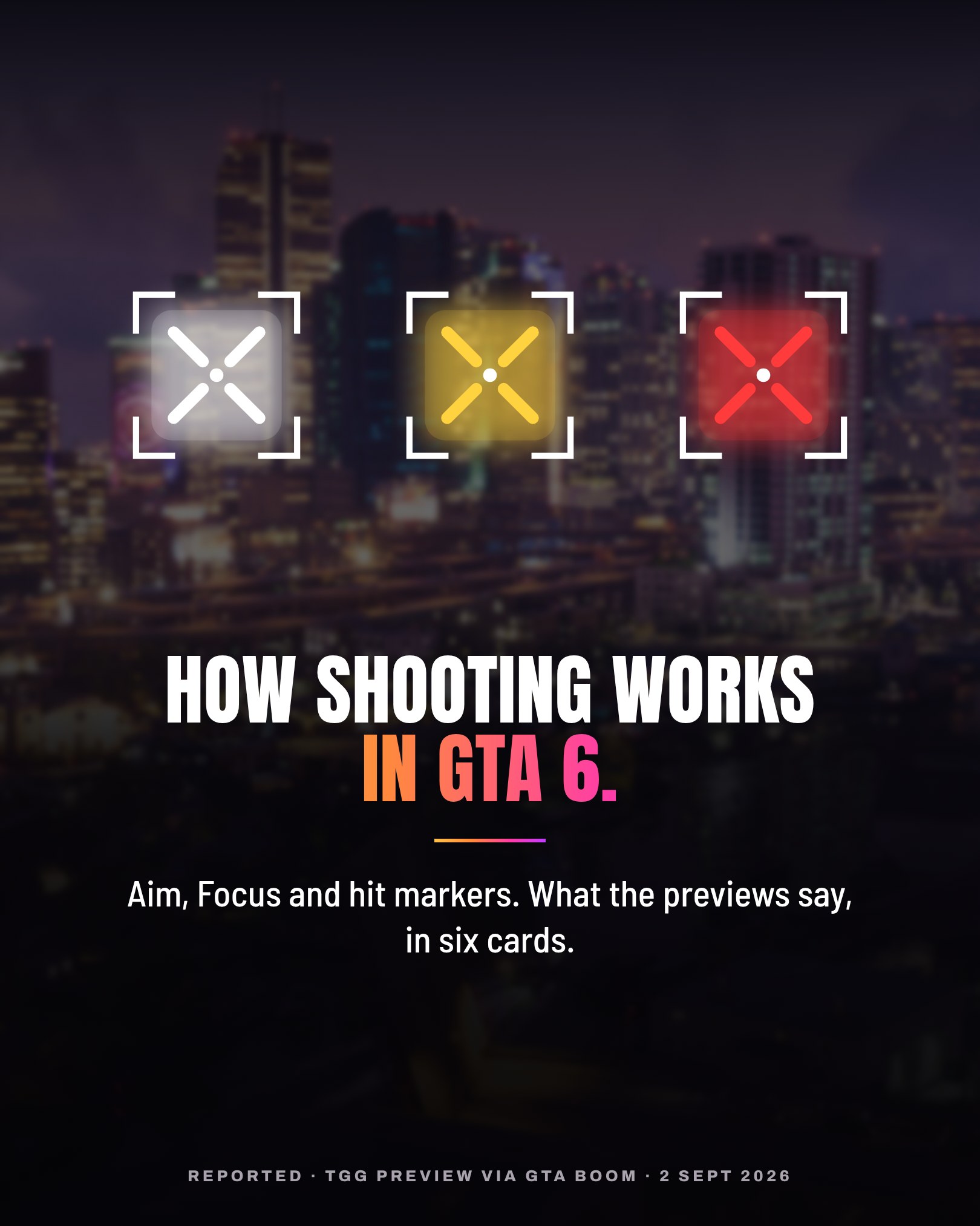
How shooting works in GTA 6.
White is a hit. Yellow means down. Red means dead. And the game no longer aims for you.
Aiming
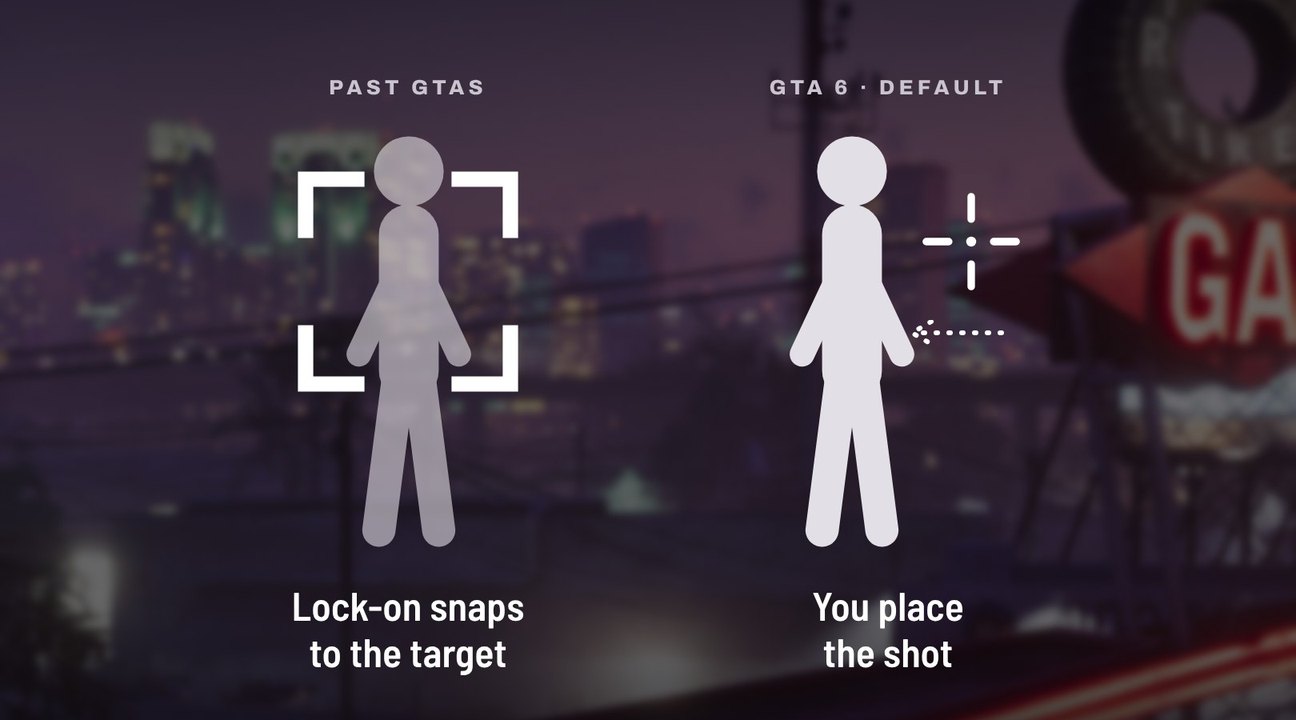
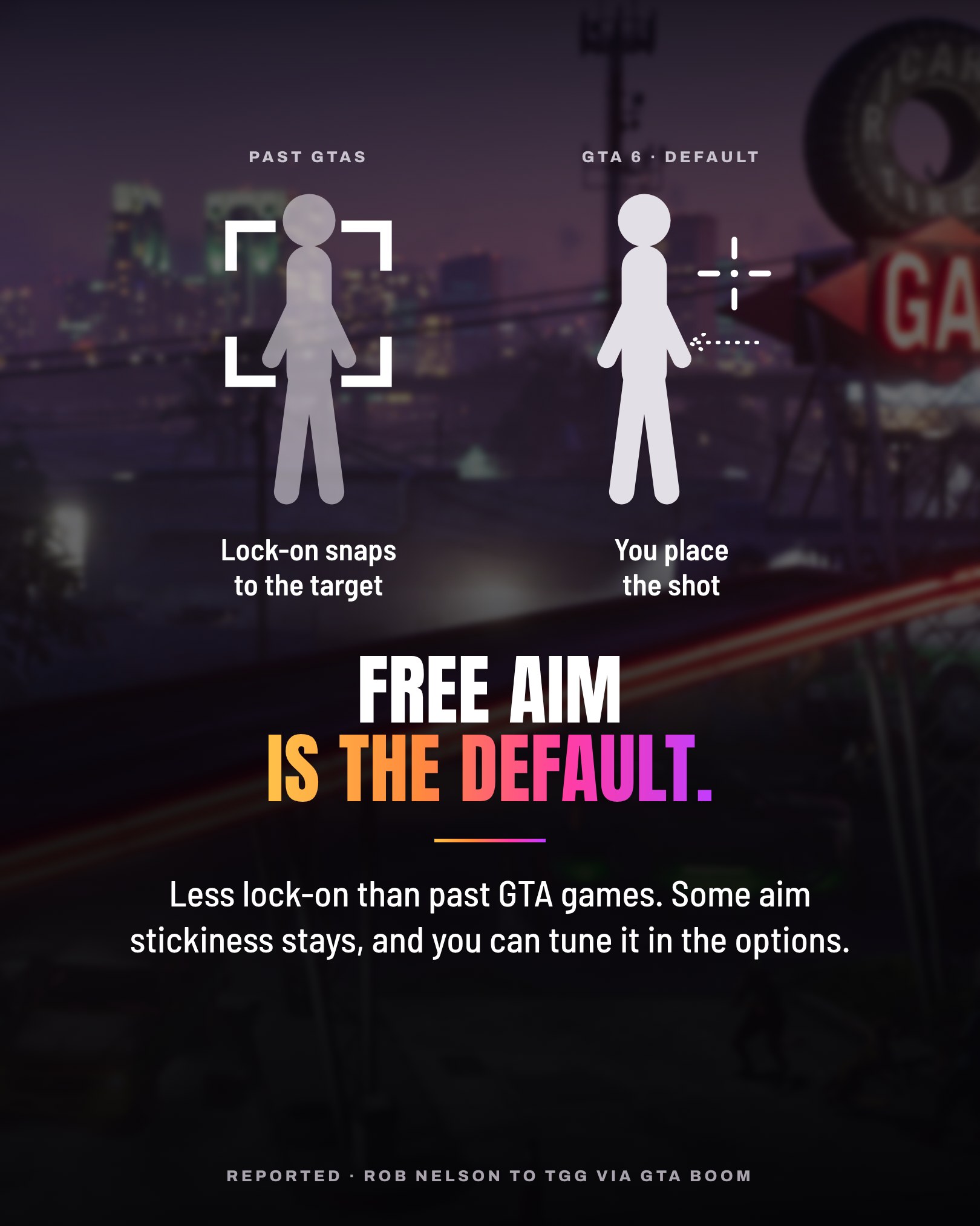
Free aim is the default.
Less lock-on than in past GTA games. Some aim stickiness stays, and you can tune it in the options.
ReportedRob Nelson to TGG, via GTA BOOM
Awareness
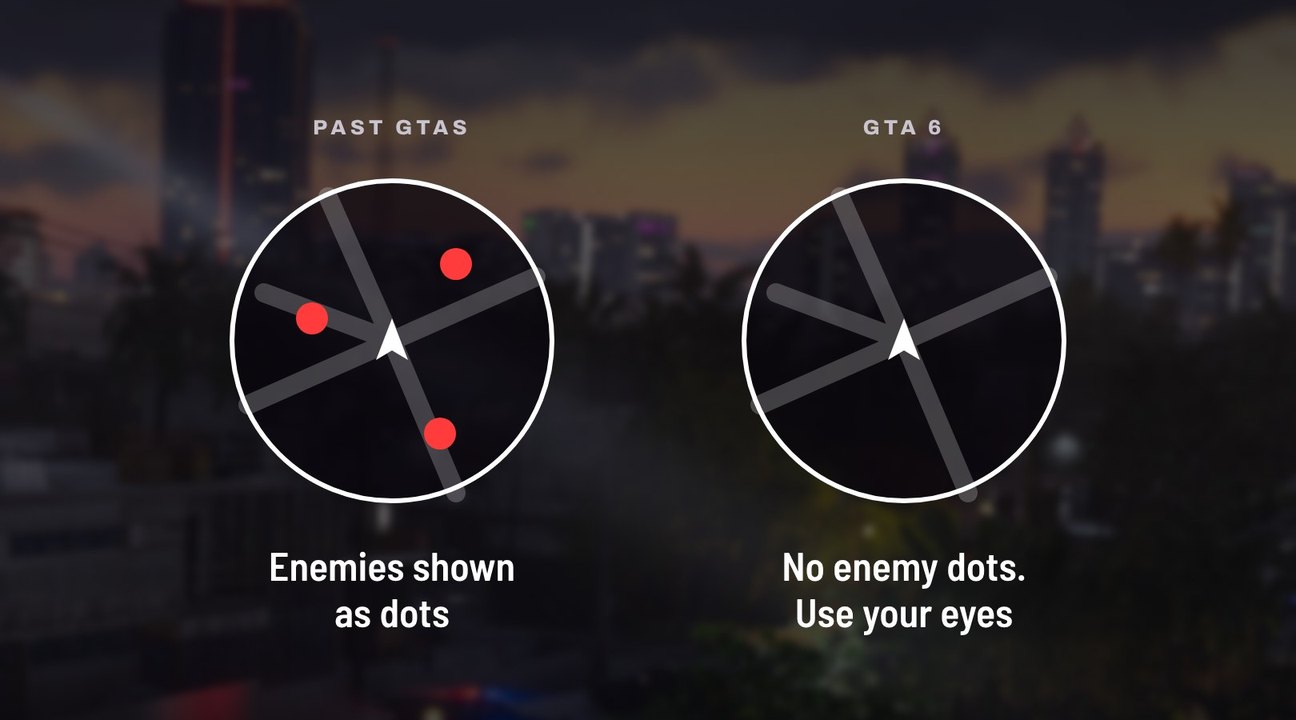
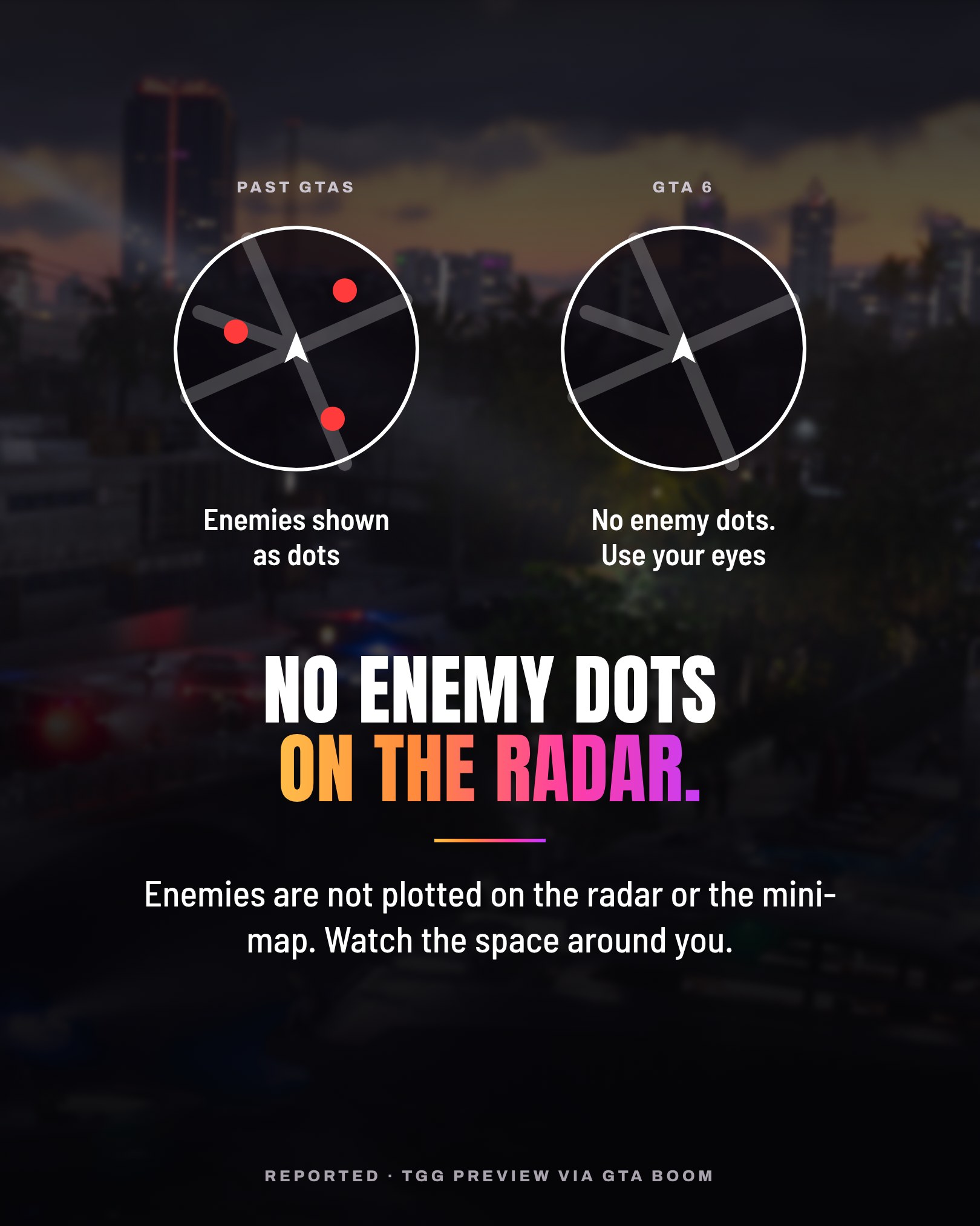
No enemy dots on the radar.
Enemies are not plotted on the radar or the mini-map. You have to watch the space around you.
ReportedTGG preview, via GTA BOOM
Focus
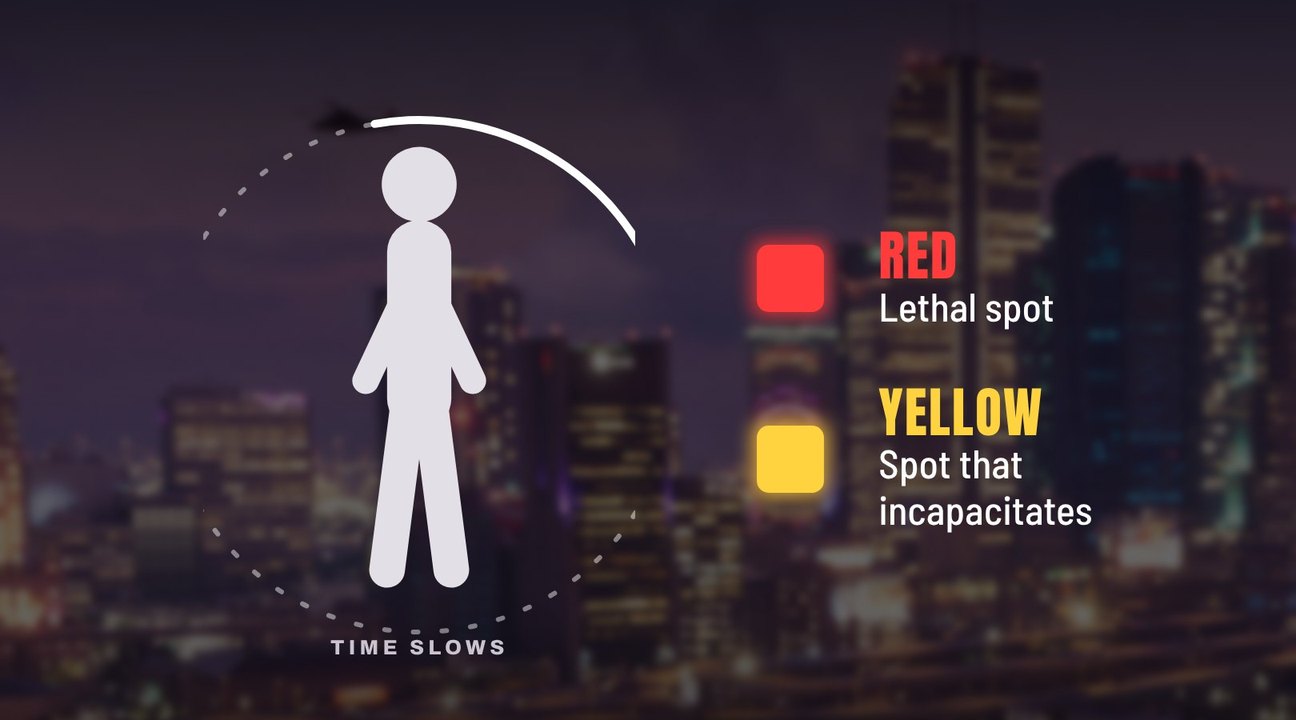
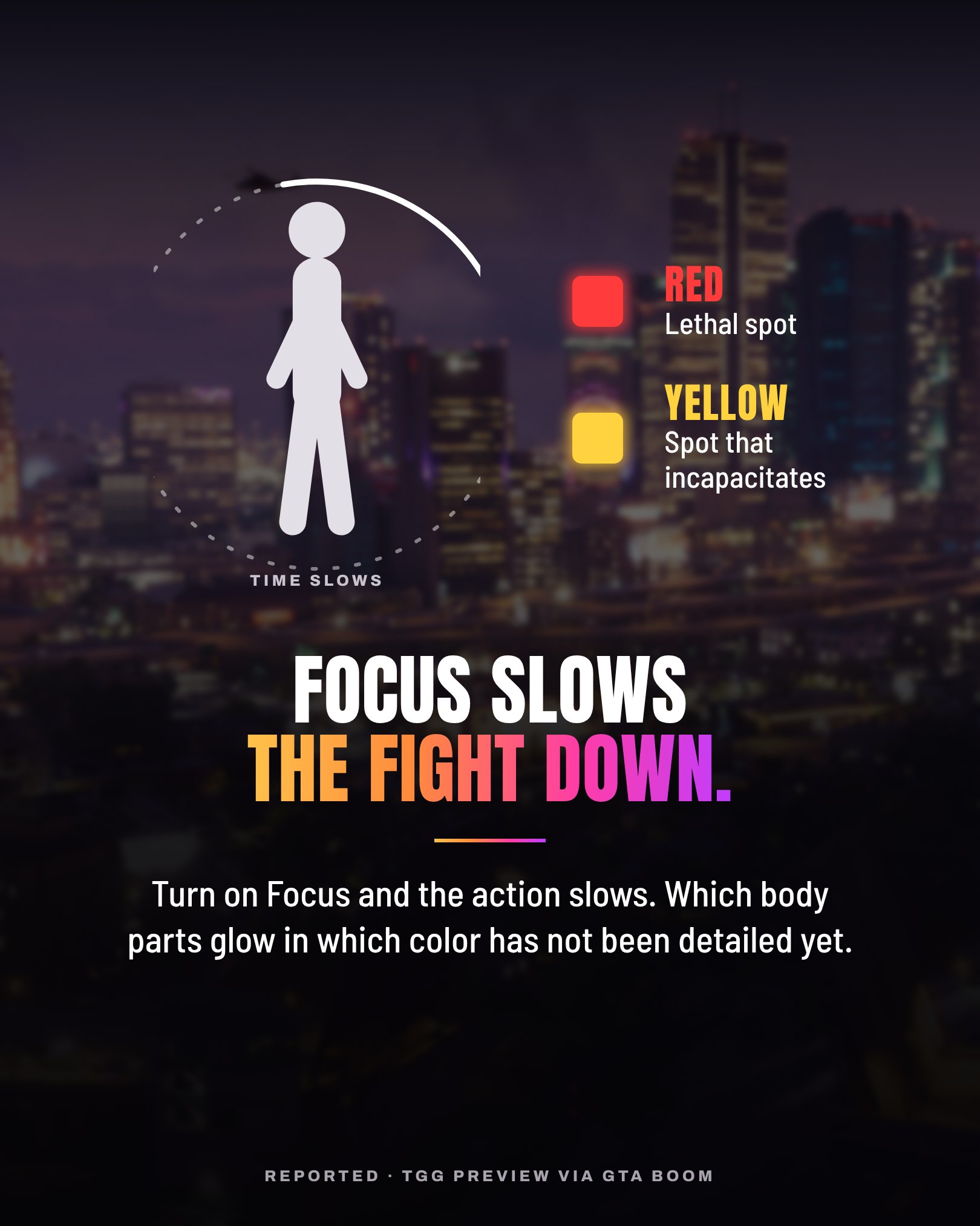
Focus slows the fight down.
Turn it on and the action slows. Lethal spots light up in red, spots that incapacitate in yellow. Which body parts glow in which color has not been detailed.
ReportedTGG preview, via GTA BOOM
Hit markers
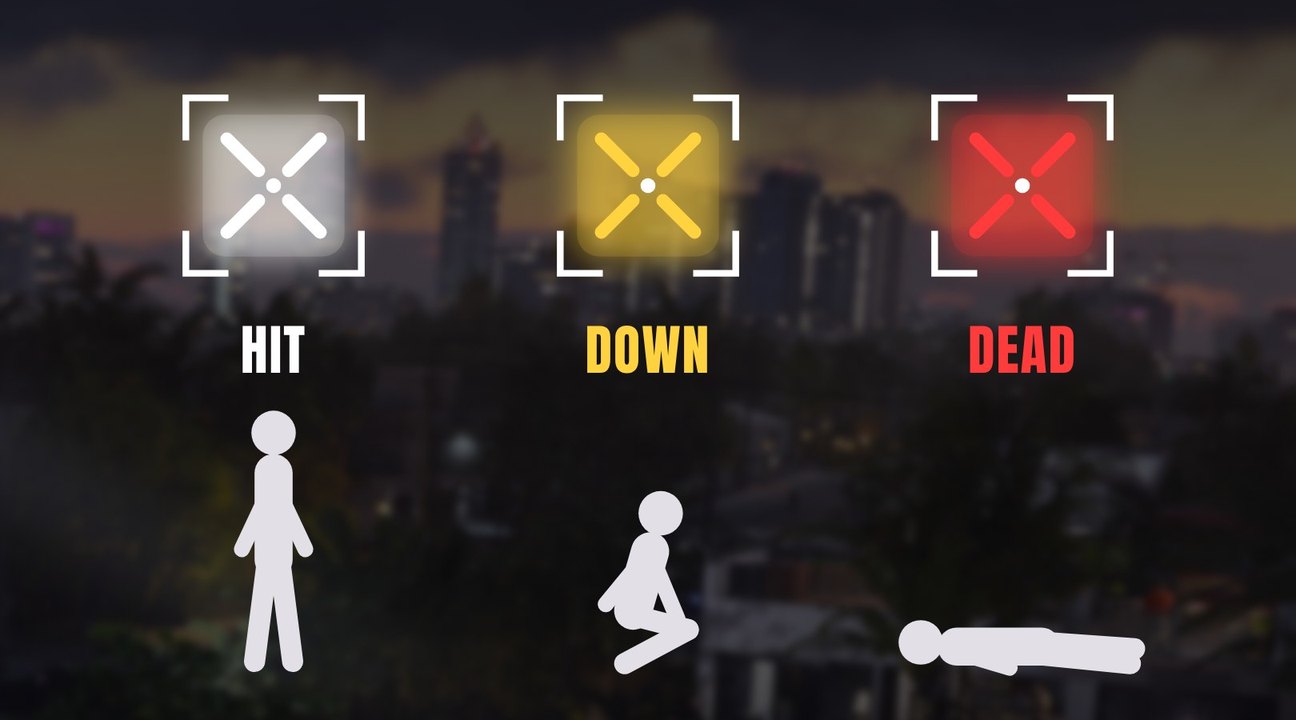
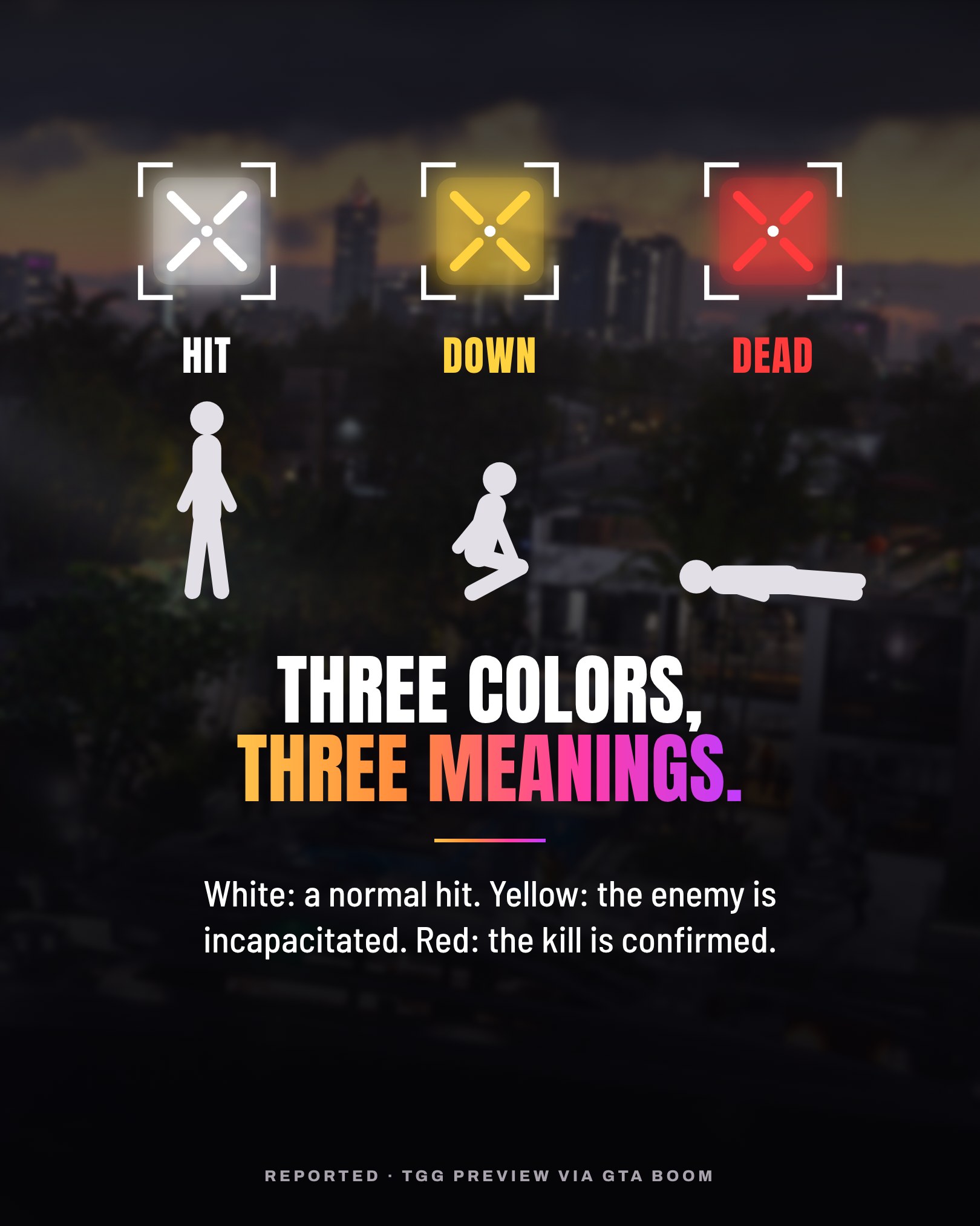
Three colors, three meanings.
White is a normal hit. Yellow means the enemy is incapacitated. Red confirms the kill.
ReportedTGG preview, via GTA BOOM
Our read
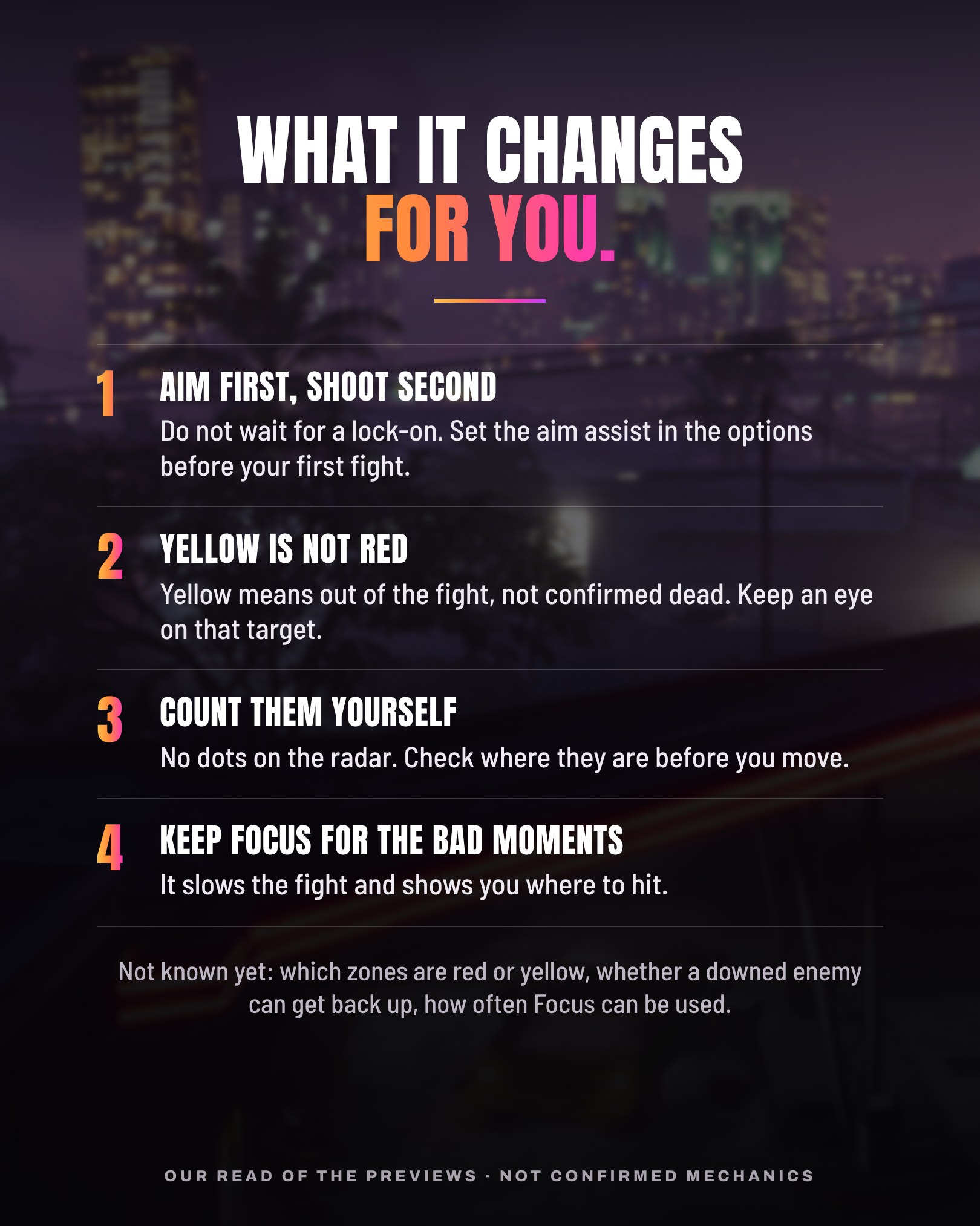
What it changes for you.
Aim first, shoot second
Do not wait for a lock-on. Set the aim assist in the options before your first fight.
Yellow is not red
Yellow means out of the fight, not confirmed dead. Keep an eye on that target.
Count them yourself
No dots on the radar. Check where they are before you move.
Keep Focus for the bad moments
It slows the fight and shows you where to hit.
This is our reading of the previews, not confirmed mechanics. Nothing here is tested: we update this page when a point can be checked.
Not known yet
- Which zones show red or yellow.
- Whether a downed enemy can get back up.
- How often Focus can be used.
Source
GTA BOOM, “GTA 6 Preview Details New Lock On Aiming, Weapon Carry Limits and L3 Sprinting”, by Matt Gibbs, . It relays the TGG preview: TGG watched Rockstar North’s Rob Nelson play the game during a hands-off preview. Checked on . The diagrams are Grind Coast illustrations over official screenshots, not the game’s interface.
First published on the Grind Coast Discord (opens in a new tab) on .
The six cards, as posted on Discord
Images: official screenshots © Rockstar Games