
In detail
Sony has released a new PS5 system software update, version 26.07-14.23.00, two days before GTA 6. Eurogamer and Gameblog report the same one-line patch note: security fixes to the system software, and nothing else.
What matters is what Eurogamer adds. The update is mandatory on every PS5 and PS5 Pro if you want to go online or play the latest games, and GTA 6 requires the console to be on its latest system software before you can play. Gameblog writes that installing it is needed to keep using all of the console’s features.
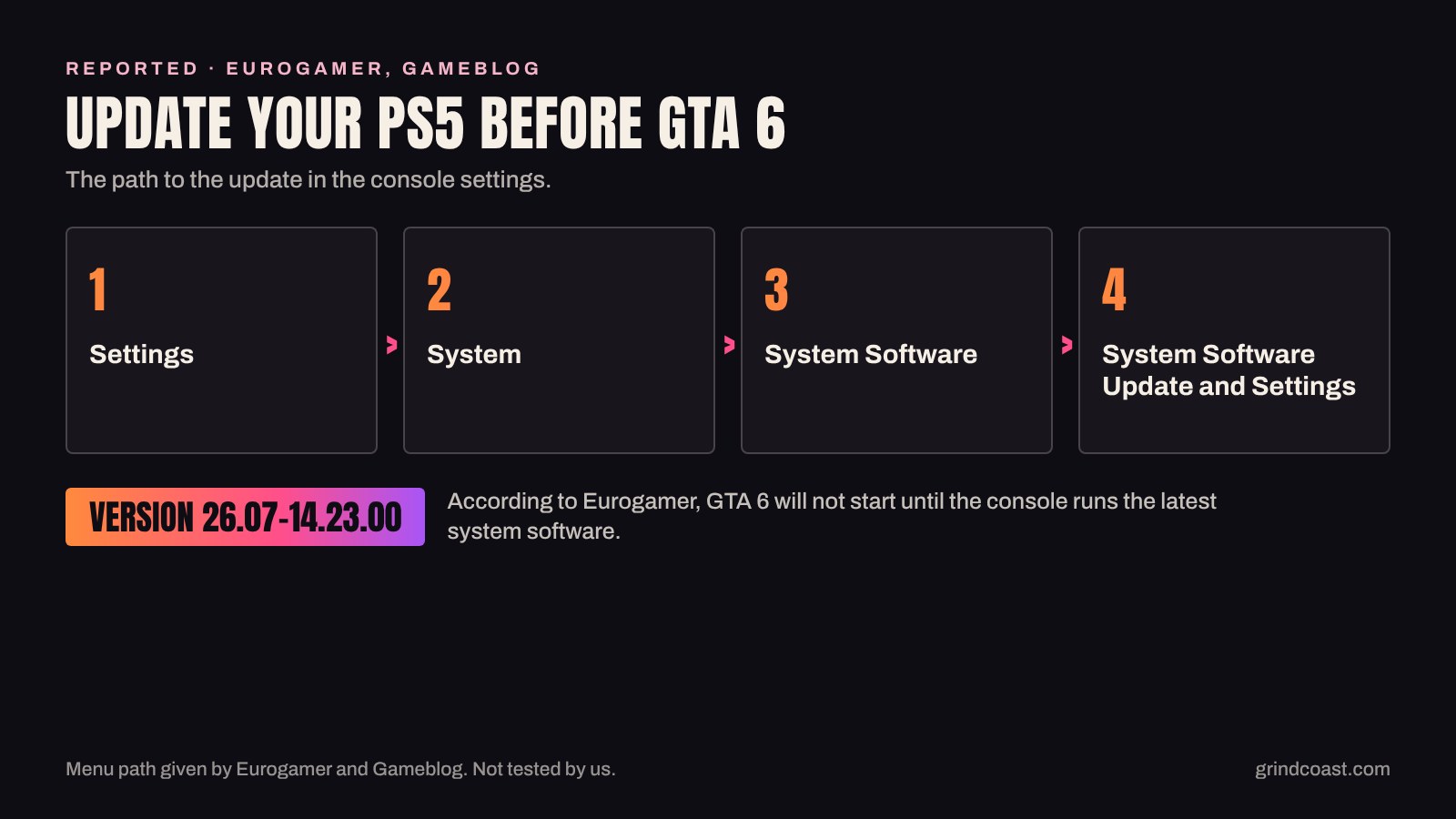
According to Eurogamer, the update should download by itself the next time you turn the console on. If it does not, both outlets give the same manual path through the settings: it is the one in the steps below. Eurogamer notes that the same screen holds the option that lets the console download and install future updates on its own.
Our read. Do it tonight, not on launch night. An update installed today is a delay you avoid on November 19, when all you want is to start the game. While you are on that screen, turn on automatic updates: Eurogamer points out that these security updates have been coming often, and Sony has not said this one is the last before launch.
What we do not know. Neither outlet gives the size of the download or how long the installation takes. Sony has not linked this update to GTA 6: Eurogamer calls the connection likely, not confirmed. We have not tested the update ourselves, and we have read no equivalent report for Xbox Series X|S.
Step by step
Step 1
Open Settings
On your PS5 or PS5 Pro, open Settings.
Step 2
Go to System Software
Select System, then System Software.
Step 3
Start the update
Open System Software Update and Settings, start the update and follow the instructions on screen. The version to reach is 26.07-14.23.00.
Step 4
Turn on automatic updates
On the same screen, tick the option that lets the console download and install future updates by itself, as Eurogamer describes.
Sources
- Eurogamer, Sony squeezes out a PlayStation 5 firmware update before the release of GTA 6
- Gameblog, La PS5 accueille encore une mise à jour avant GTA 6, voici ce qu'elle apporte
Checked · Published